


Barcode Lookup Guide

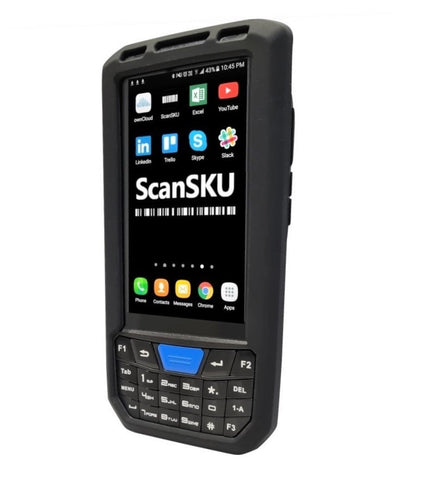
App available here
1. After installing the app, you can copy across the input file.
A template for the file is here: Download
(You don't need to include the headers)
2. Copy this file into this location on your device:
This PC\PDA\Internal shared storage\Android\data\com.scansku.barcodelookup2\files

3. Open the app, and click "Refresh Data" and select the file you copied. If it isn't showing, exit the app and reopen it.
Settings
In the Settings Screen you can adjust the Label headings, Font Size and how many fields you wish to show.