




Cin7 Core (Dear WMS) & the ScanSKU Android Barcode Scanner
 |
+ |  |
|---|
Cin7 Core (Formally Dear Inventory) I ScanSKU
Cin7 Core provides wireless barcode scanning to improve order picking. If you need to increase the productivity of your warehouse team, Cin7 Core Mobile picking can help you:
• Reduce picking errors through barcode scanning and order validation
• Increase productivity with guided walk paths to optimize the picking process.
• Increase your fill rate and sales by leveraging real-time visibility to inventory quantities and location.
• Gain more efficient and accurate inventory control by scanning serial and lot numbers.
Cin7 Core have more information on the app here:
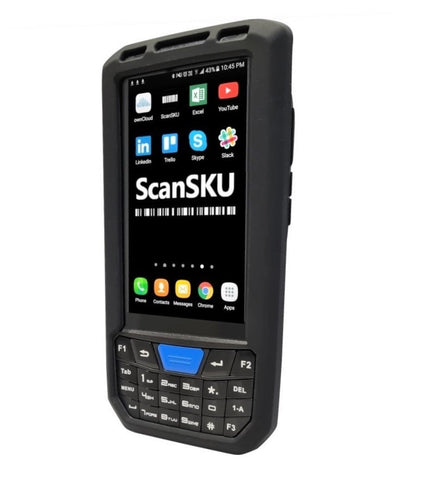
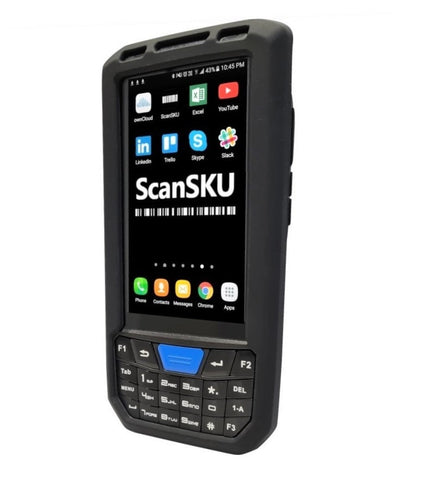
The Cin7 Core Android App is available direct from the Google Play Store. This enables you to use the ScanSKU scanners to pick and pack, conduct stocktakes and many other functions.
We recommend ensuring you have a device which is at least Android 13. This is all our current range, so if you have an older Android device, we recommend replacing with a newer device that runs Android 13

Cin7 users can get 10% off our scanners, just use this code on checkout: cin7
Popular Scanners with Cin7:
 G Series G Series
|
Setup on the Scanner:
Performing a Pick
Software Compatibility Disclaimer
Our hardware is tested to ensure it works with the software packages listed on our website at the time of testing, using the software version available at that time. We aim to provide smooth setup, integration, and day-to-day operation based on those test results.
Because software providers may update, modify, or discontinue features at any time, we cannot guarantee ongoing compatibility after changes are made to their software. Updates may impact performance, functionality, or compatibility, and we are not responsible for issues caused by software changes outside our control.
We recommend you confirm compatibility directly with the software provider and review their release notes or update history before upgrading.