



Cin7 Keyboard
Cin7 Core WMS App:
Status: With Cin7 to Fix
With the Cin7 Core WMS App update on June 18, 2025, when you click in the text field to look up an item, find a PO and other features, the on-screen keyboard appears for a split second before disappearing.
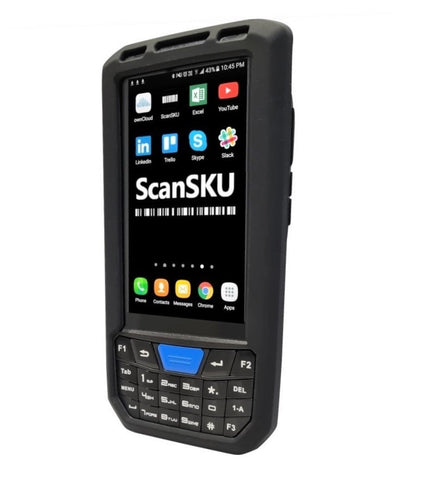
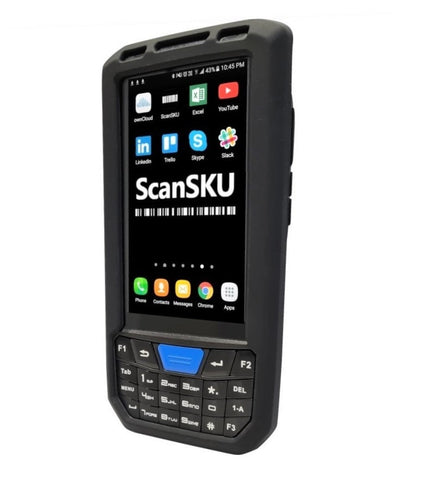
This bug appears to impact all devices which have a physical keyboard. E.g
https://www.youtube.com/shorts/0XZQ5zPoQqE
The issue has been logged with cin7, however until they fix the issue, the workaround is:
- Uninstall the newest version of the app on the device
- Install the version just before this from April 2025, here is the download link: https://drive.google.com/file/
d/1PVndEWZEVJU1UE_ 2h4MDRO1sspiBvClx/view?usp= sharing - Turn off auto updates so this app doesn't then auto update to the current version. To do this: Open Google Play app, click your profile in top right (circle), Scroll down to settings, click on then 'Network Settings' option. Click on 'auto-update apps', and select "Don't auto-update apps'
We also recommend you log a ticket with cin7.
Note: The other workaround if using the current app, is just to press the magnifying galss next to then input field and it will show all options, then you can scroll and find the one you wish to select.
When Cin7 fixes the bug and releases a new version, auto-updates can be re-enabled.